Claro Smart Connect FAQs
| Question | Answer |
|---|---|
| 1. Which Claro ceiling fans are compatible with SMART Connect? | This SMART Connect can be used with any ‘SMART Adaptable’ Claro ceiling fan.
Compatible products can be found here: |
| 2. Do I need a licensed electrician to install SMART Connect? | Yes. SMART Connect must be installed by a licensed electrician to ensure proper and safe installation. After installation, you can connect your compatible Claro ceiling fan to the Tuya Smart app by following the setup instructions provided. |
| 3. How many SMART Connect units do I need? | Each compatible Claro ceiling fan requires one SMART Connect unit. If you have multiple compatible fans, you will need a separate SMART Connect unit for each fan to enable smart control features. |
| 4. Which app do I need to use the SMART Connect? | SMART Connect operates through the Tuya Smart app. Simply download the app from the Apple App Store or Google Play Store, create an account, and follow the setup steps to pair your compatible Claro ceiling fan. |
| 5. What features are available in the Tuya Smart app? | The Tuya Smart app provides a range of convenient features, including:
|
| 6. Can the Tuya Smart app work in tandem with the remote control? | Yes. The Tuya Smart app and the Claro remote control can be used together, giving you flexibility to control your compatible Claro ceiling fan either through the app or with the remote control. |
| 7. Can I control multiple fans at the same time? | Yes. The Tuya Smart app allows you to group multiple compatible Claro ceiling fans and control them simultaneously. Each fan must first be paired individually before setting up a group for shared control. |
| 8. Does the fan still work if the internet or Wifi goes down? | Yes, you can operate the fan through remote which works independently of the SMART control. |
| 9. Does the SMART Connect require Wifi and will it work with any home network? | Yes, the SMART Connect requires a 2.4GHz Wi-Fi network to function. Please note that Tuya-based modules do not support 5GHz-only networks, so a 2.4GHz band must be available on your home network. |
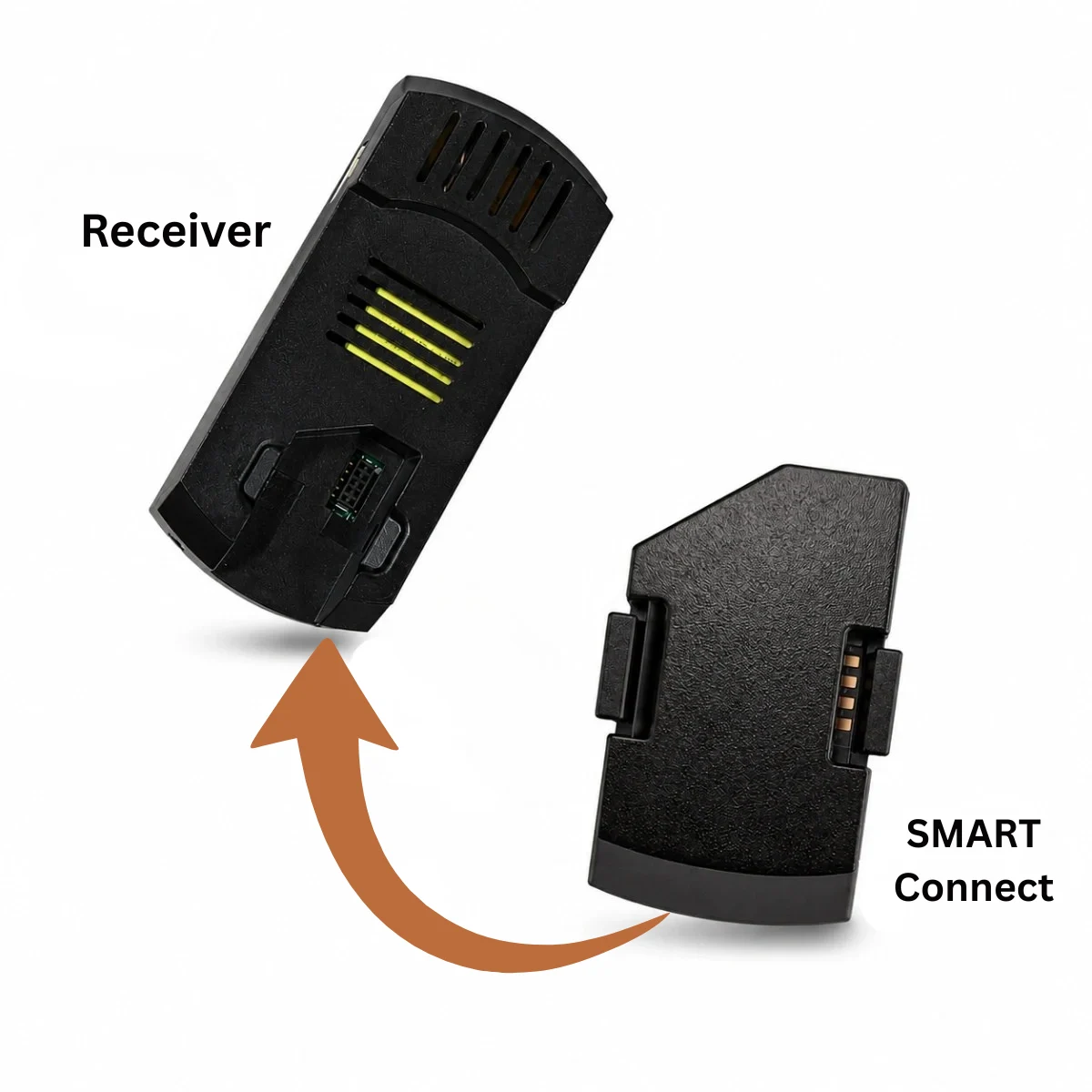
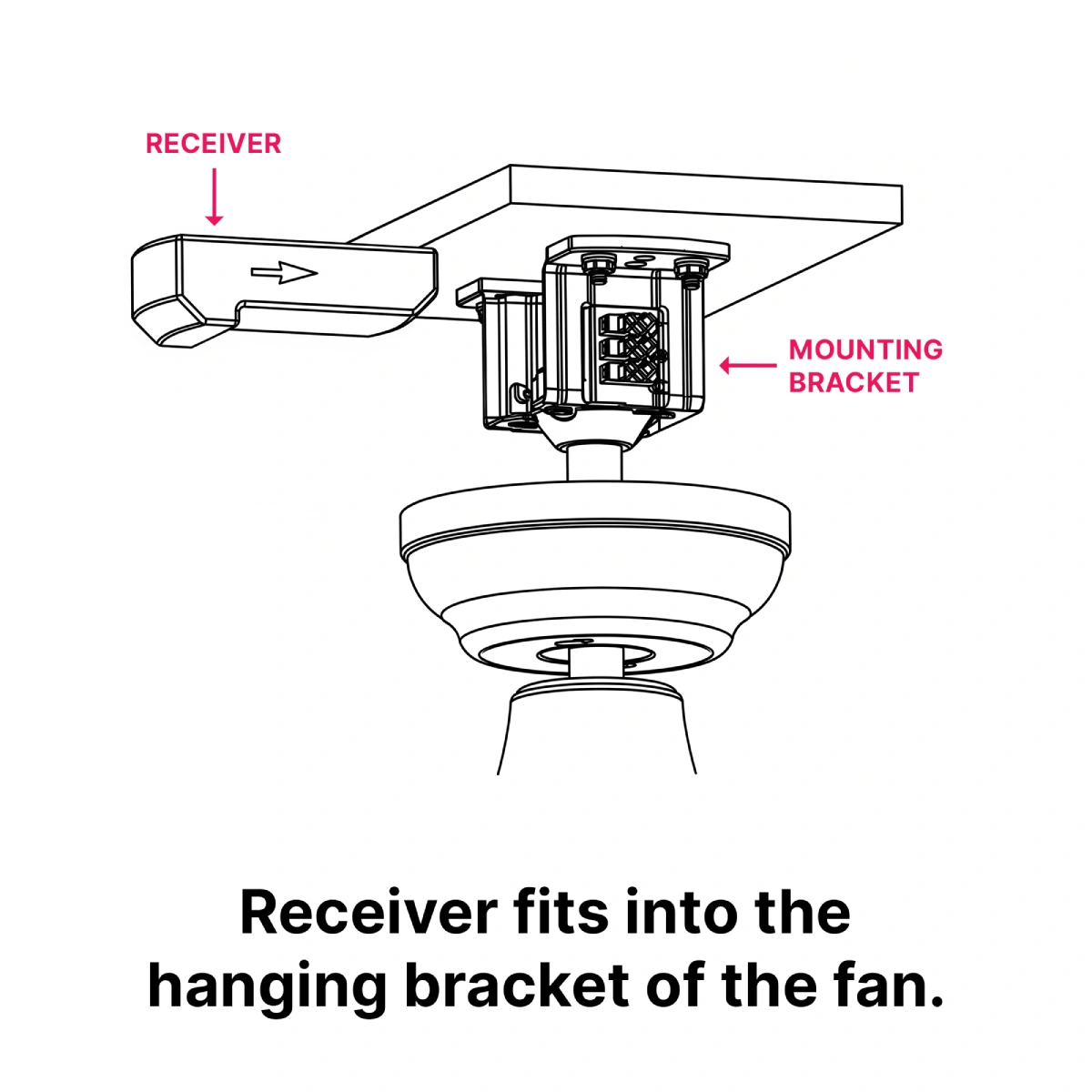
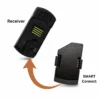
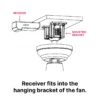
| 10. Can the SMART connect be retrofitted to a fan I own? | Yes, if you own a compatible Claro ceiling fan, the SMART Connect can be retrofitted. However, it must be installed by a licensed electrician, as the SMART Connect is fitted inside the fan’s receiver. |
Please note: One SMART Connect is required for each compatible Claro fan.